Free Online Image Sharpener — Crisp Details, True Colors
Make soft photos, e-commerce product shots, 0.5x real estate interiors, and scanned documents sharper in under 0.3 seconds. Powered by perceptual luminance unsharp masking—100% in your browser.
- < 0.3s Instant Preview
- 100% Free Full-HD · No Watermark
- Private Local Mode (0 Uploads)
- JPG · PNG · WebP · iPhone HEIC (50 MB)
Processed locally in your browser · Never uploaded
Purpose-Tuned Optical Presets Beyond Generic Filters
Every industry fights a different sharpening artifact—from dirty Amazon white backgrounds to black PNG cutlines. Select your workflow to see how ImgSharp protects critical pixels.
Amazon · Shopify · eBay · Etsy Listings
Crisp watch dials, jewelry facets, and fabric weave—without dirtying pure #FFFFFF backgrounds
Why Common Tools Fail
Standard sharpeners create grey or cyan halos along product silhouettes, causing marketplace bots to flag pure-white studio main images.
ImgSharp Optical Safeguard
ImgSharp’s E-Commerce preset sharpens L* luminance micro-contrast across metallic and textile textures while clamping bright overshoot above L* 96.5 so #FFFFFF stays pure 255, 255, 255.
Backdrop Integrity
Pure #FFFFFF Locked
SKU Batch Queue
Up to 10 Photos → ZIP
Color Accuracy
0.0 Δa*b* Hue Shift
Amount 145% · Radius 0.9px · Threshold 3 · White-BG Guard ONTry This Preset Above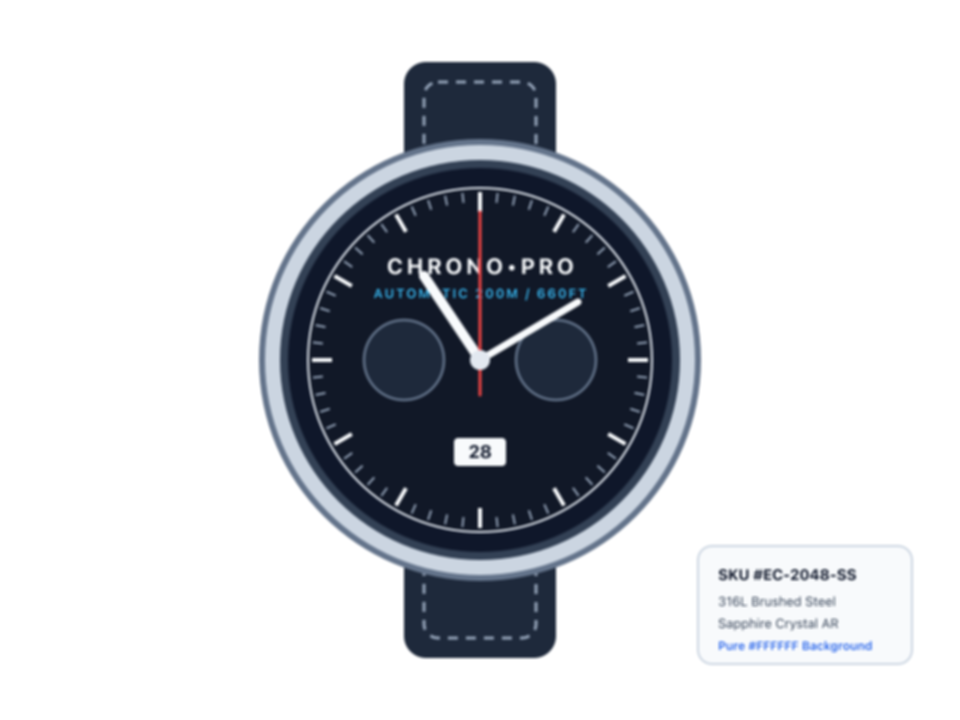
Included in the 1-click sample bar inside the workspace above
Why CIE LAB Luminance Sharpening Prevents Color Halos
Human vision perceives crispness through lightness transitions, not hue jumps. Separating luminance from color is the difference between studio-grade acutance and crunchy digital artifacts.
Direct RGB 3×3 Convolution
Multiplies Red, Green, and Blue pixel values independently. When one channel clips before the others along a high-contrast edge, visible neon cyan, yellow, or magenta fringes appear around hair, jewelry, and typography.
Diffusion Pixel Re-Synthesis
Invents plausible-looking textures from training data. Great for destroyed vintage portraits, but risky for commerce and documents: small numbers warp, brand logos mutate, skin turns plastic, and PNG transparency disappears.
CIE LAB L* Unsharp Masking
Converts sRGB → linear XYZ → perceptual CIE LAB, applies separable Gaussian unsharp masking strictly to the L* lightness channel with noise-floor gating, and converts back while a* and b* color channels remain 100% untouched.
Recommended Optical Sharpening Settings by Image Type
Reference values used by ImgSharp’s one-click presets—or dial them in manually with the workspace sliders.
| Subject / Workflow | Amount | Radius | Threshold | Optical Safeguard |
|---|---|---|---|---|
| Portraits & Everyday Photos | 110% – 130% | 0.8 – 1.0 px | 4 – 6 | Protects skin pores & subtle bokeh transitions |
| E-Commerce Studio Products | 135% – 160% | 0.8 – 1.0 px | 2 – 4 | Pure #FFFFFF White-Background Halo Guard (L* > 96.5) |
| 0.5x Real Estate Interiors | 115% – 135% | 1.0 – 1.3 px | 6 – 9 | Suppresses shadow ISO grain on painted walls & ceilings |
| Scanned Text, Invoices & OCR | 175% – 210% | 1.1 – 1.4 px | 1 – 3 | Paper Shadow Lift brightens uneven phone lighting |
| Transparent PNG Stickers & DTG | 145% – 170% | 0.7 – 0.9 px | 2 – 4 | Alpha-weighted edge mask + 300 DPI PNG pHYs header |
Why Professionals Use a Dedicated Image Sharpener Instead of AI Chat
Conversational AI assistants excel at creative illustration—but asking a chatbot to “make this photo sharper” triggers image regeneration rather than optical pixel sharpening.
| Workflow Requirement | ImgSharp Optical Studio | General AI Chatbots (ChatGPT / Gemini) |
|---|---|---|
| Output Resolution | Full native megapixels (up to 50 MB / 6000px+ untouched) | Frequently downscaled or re-encoded around 1024–2048px |
| Faces, Logos & SKU Text | 100% deterministic—never alters letters, digits, or facial identity | Generative redraw often mutates small typography, barcodes & eyes |
| Transparent PNG & 300 DPI | Bit-exact alpha preservation + 300 DPI pHYs print chunk | Flattens transparency into solid white or fake grey checkerboards |
| Interactive Precision | < 0.3s real-time Amount/Radius sliders + 200% Optical Loupe | 15–30s blind prompt wait with zero pixel-level slider control |
| Batch Catalog Consistency | Identical optical formula across up to 10 files → 1-click ZIP | Inconsistent look and color temperature on every prompt turn |
| Confidentiality & Speed | 100% Local Browser Web Worker — photos never leave your device | Every image is uploaded to external cloud servers |
Frequently Asked Questions About Image Sharpening
Direct answers on file formats, optical quality, privacy, and batch exports.
Is ImgSharp really a 100% free image sharpener with no watermark?
Yes. Local Optical Mode runs directly in your browser using a Web Worker, which costs zero cloud GPU compute. You can sharpen full-resolution JPG, PNG, WebP, and HEIC photos up to 50 MB each, batch-export up to 10 images as a ZIP archive, and download clean files with zero watermarks and no sign-up required.
How do you make an image sharper online without color fringes or halos?
Standard online sharpeners boost RGB channels directly, which creates neon cyan/magenta fringes around edges and amplifies color noise in shadows. ImgSharp converts your photo into CIE LAB perceptual color space and applies unsharp masking strictly to the L* luminance channel while keeping the a* and b* color channels untouched.
What is the difference between an image sharpener, photo unblur, and an AI upscaler?
An image sharpener increases local edge micro-contrast (acutance) at the original pixel dimensions—ideal for soft lens focus, e-commerce product shots, and scanned text. Photo unblur estimates a motion kernel for severe camera shake, while an AI upscaler synthesizes new pixels (2x–4x) to enlarge low-resolution thumbnails.
Will sharpening ruin my pure #FFFFFF white Amazon or Shopify product background?
No. Select the E-Commerce preset to enable the Pure-White Background Halo Guard. It attenuates bright overshoot on near-white studio pixels (L* > 96.5) so product edges look crisp while your #FFFFFF backdrop stays compliant with marketplace listing rules.
Can I sharpen a transparent PNG sticker and export at 300 DPI for print?
Yes. Unlike generative AI tools that flatten transparency into grey checkerboards, ImgSharp preserves every original alpha pixel, suppresses dark halos along semi-transparent cutlines, and lets you toggle 300 DPI pHYs chunk metadata on PNG exports for DTG apparel and sticker printing.
Does ImgSharp support iPhone HEIC photos and are my documents kept private?
Yes. iPhone .HEIC and .HEIF photos decode automatically in your browser and export as crisp JPG, PNG, or WebP files. Because Local Optical Mode processes pixel buffers exclusively inside your device memory, sensitive invoices, IDs, contracts, and unreleased product photos never leave your computer or phone.
Ready to make your photos crisp?
Drop up to 10 JPG, PNG, WebP, or HEIC images into the studio above and compare at 200% zoom.